The nonprofit sector is experiencing a major shift in how organizations manage donors. In fact, the U.S. donation management software (CRM) market was valued at $1.23 billion in 2024 and is projected to reach $2.91 billion by 2031. And, between 2022-2023 alone, a whopping 65% of nonprofits upgraded their donor management software.
There's a good reason behind this massive growth: the right donor management system can automate donor stewardship, segment donors for targeted outreach, and generate reports with a few clicks—freeing your team to focus on building relationships instead of managing data.
But, it can be hard to know which platform is right for your team.
In this article, we’ll cover everything you need to know about donor management software in 2026, including detailed reviews of the 11 best platforms, key features to prioritize, and how to choose the right system for your organization's size and budget.
Key Takeaways
- Know what donor management software for nonprofits delivers: These platforms centralize supporter data—donation history, communication logs, event attendance, and volunteer activities—in one searchable database.
- Match the platform to your size and budget: Free options like Givebutter work for budget-conscious nonprofits, Little Green Light and Keela ($45-$134/month) suit small organizations under 1,000 donors, Neon CRM and Bloomerang ($99-$125/month) serve growing nonprofits managing multiple programs.
- Prioritize core features first: When choosing your platform, focus on essential capabilities like comprehensive donor profiles and donation tracking for all gift types before considering extras like wealth screening or event management.
- Take a strategic approach to selecting your CRM: Assess your needs, establish your budget, shortlist 3-4 platforms based on reviews from similar organizations, schedule demos with prepared questions, check references, and allow 4-8 weeks for implementation.
What is Donor Management Software?
Donor management software is a centralized database that houses supporter information.
The platform stores contact details, donation history, communication preferences, event attendance, volunteer activities, and interaction notes in individual donor profiles. This creates a complete view of each supporter's relationship with your organization.
What Are the Key Features to Look for in Donor Management Software?
The right donor management software should offer features like:
- Contact management: A robust donor database stores complete supporter profiles, including contact information, giving history, communication logs, event attendance, volunteer activities, and custom fields for your organization's unique data needs.
- Integration capabilities: Your donor management system should connect with accounting software, email marketing platforms, online donation processors, wealth screening services, and matching gift databases.
- Donor segmentation and tagging: Segmentation tools let you group donors by any criteria—giving level, donation frequency, location, campaign participation, engagement score, or custom tags.
- Reporting and analytics: Your CRM should offer the ability to create essential reports, including donor retention analysis, campaign performance metrics, giving trends and patterns, lapsed donor reports (LYBUNT/SYBUNT), and revenue projections.
- Donation tracking and recording: The software must capture all donation types. Each transaction should record the amount, date, fund designation, payment method, and campaign source while automatically updating the donor's profile.
What Are The Benefits of Using Donor Management Software?
Whether you're tracking a few hundred donors or managing a complex database of thousands, the right system can transform how your organization approaches fundraising. The right donor management software can help nonprofit organizations:
- Improve donor retention: In Q2 of 2025, The Fundraising Effectiveness Project estimated that the average donor retention rate was just 26.3%. Donor management software helps improve that, enabling timely, personalized stewardship with automated thank-you messages, complete communication histories, and more.
- Raise more money: The right software surfaces which supporters might be ready for a major gift ask, identifies lapsed donors worth re-engaging, and makes it simple to build recurring giving programs
- Save time and eliminate errors: Donor management software automates the tedious stuff—data validation and cleaning, receipt generation, and more—giving organizations back hours every week.
- Work strategically: Donor management software reveals which channels bring in your best supporters, which campaigns perform strongest, and where to focus retention efforts. It also creates a shared system where your team can coordinate outreach, see complete relationship histories, and avoid duplicate communications.
How Much Does Donor Management Software Cost?
Donor management software can cost anywhere between $39 and $500+ per month, depending on your organization's size, donor database volume, and feature requirements. However, most platforms use the following pricing structures:
- Per-contact pricing: Many vendors charge based on the number of donor records in your database (e.g., $0.10-0.30 per contact monthly). As your database grows, your costs increase proportionally.
- Tiered subscription pricing: Most platforms use tiered pricing with set monthly fees for different capacity levels. You select a tier based on your donor count or feature needs and pay a flat monthly rate.
- Per-user pricing: Some vendors charge based on the number of staff members who need access. Per-user pricing typically ranges from $25-100 per user monthly.
- Flat-rate pricing: A few platforms charge a single flat rate regardless of donor count or users, though this is less common.
Donor Management Software Comparison Chart
|
Platform |
Best For |
Starting Price |
Key Strengths |
Limitations |
|
Bloomerang CRM |
Nonprofits prioritizing donor retention |
$125/month (annual) |
Donor sentiment tracking, actionable insights, unlimited users |
Costs increase with records, add-ons cost extra |
|
Donorbox |
Flexible online giving with basic donor management |
Free (2.95% fee) |
Multi-channel giving (text, kiosk), multi-language support, donor alerts |
Limited free version, basic reporting only |
|
Givebutter |
Budget-conscious nonprofits |
Free with optional tips |
Comprehensive features at no cost, automatic activity tracking |
Fees can add up on larger donations, Plus subscription costly for small orgs |
|
Neon CRM |
Small-midsize managing multiple activities |
$99/month |
All-in-one platform, 50+ reports, automated workflows |
Learning curve, slow support, advanced features in higher tiers only |
|
Bonterra (EveryAction) |
Midsize-large needing advocacy + fundraising |
Custom pricing |
Integrated advocacy tools, AI insights, moves management |
Steep learning curve, price increases, customization limitations |
|
Raiser's Edge NXT |
Large enterprises with dedicated staff |
Custom pricing |
Advanced analytics, automatic data health, relationship tracking |
Steep learning curve, high costs, mixed support experiences |
|
DonorPerfect |
Comprehensive management with strong support |
Custom pricing |
Excellent customer support, duplicate prevention, automated records |
Clunky interface, reporting challenges, can be costly |
|
Keela |
AI-enhanced insights at accessible price |
$134/month (1,000 contacts) |
Dedicated implementation specialist, AI features, pipeline management |
Usability issues, expensive as database grows, no mobile app |
|
Little Green Light |
Affordable, straightforward database |
$45/month (2,500 records) |
Easy to use, Zapier integration, membership management |
Limited email automation, lack of customization |
|
DonorDock |
Simple all-in-one with unlimited contacts |
$250/month |
Unlimited contacts, smart reminders, task management |
Steep learning curve, limited customizations, limited features |
|
CharityEngine |
Comprehensive all-in-one for larger orgs |
Custom pricing |
AI predictive giving, native all-in-one platform, pipeline management |
Challenging learning curve, custom pricing only |
Top 11 Donor Management Software Solutions
1. Bloomerang CRM
Best for: Nonprofits focused on improving donor retention rates
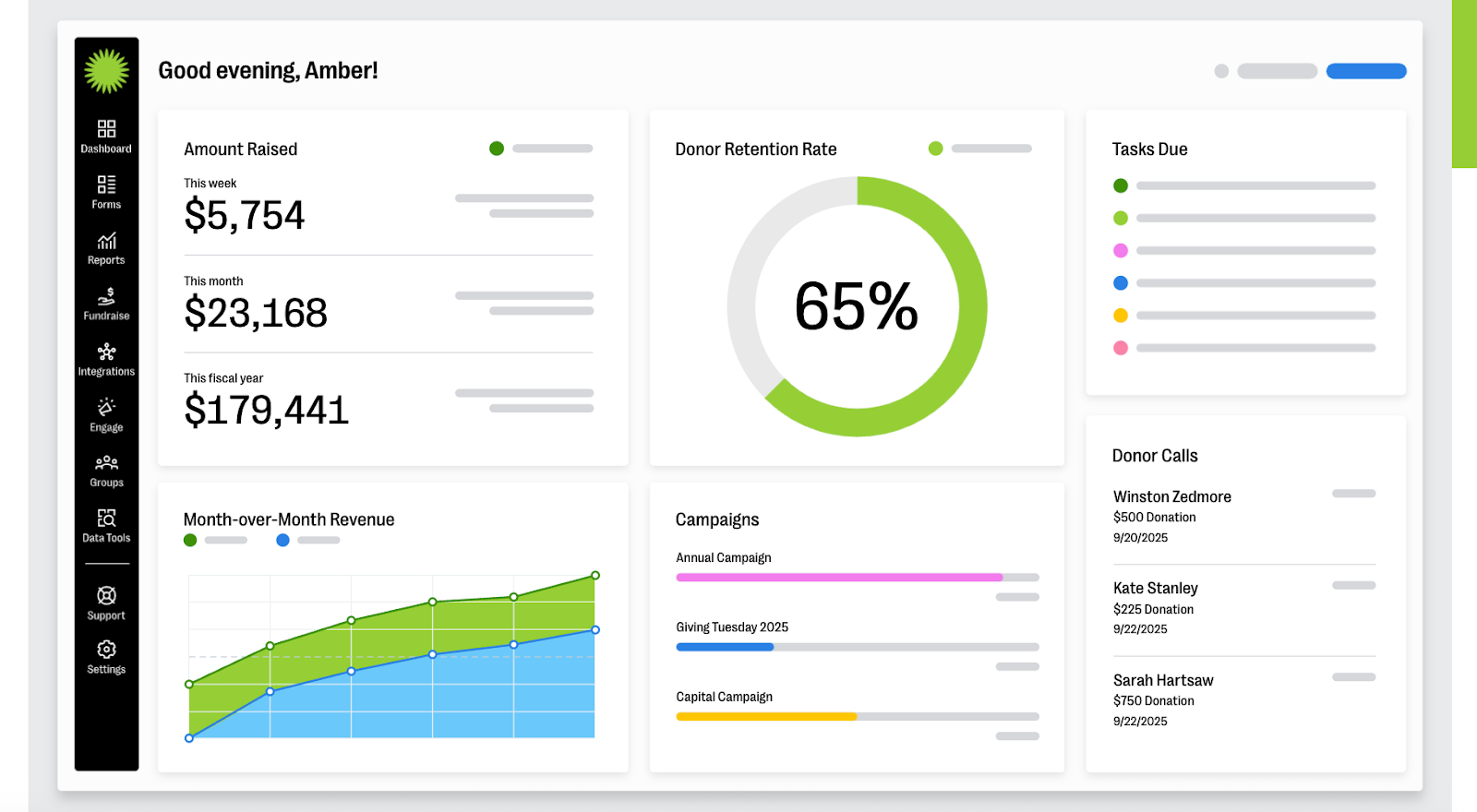
Bloomerang is a comprehensive donor management platform with a strong emphasis on donor retention. In fact, Bloomerang reports that the top 20% of nonprofits using Bloomerang CRM see an average first-time donor retention rate of 47%, above the industry average of 19%.
Key Features:
- Actionable donor insights
- Task management
- Major gifts management
- Grant tracking
- Duplicate matching & management
- Donor sentiment tracking
- Unlimited users & customizable permissions
Cons:
- Can become expensive as the number of records increases
- Some add-ons and features come at an additional cost
Pricing: Starting at $125/month (billed annually)
2. Donorbox
Best for: Nonprofits needing basic fundraising and donor management software
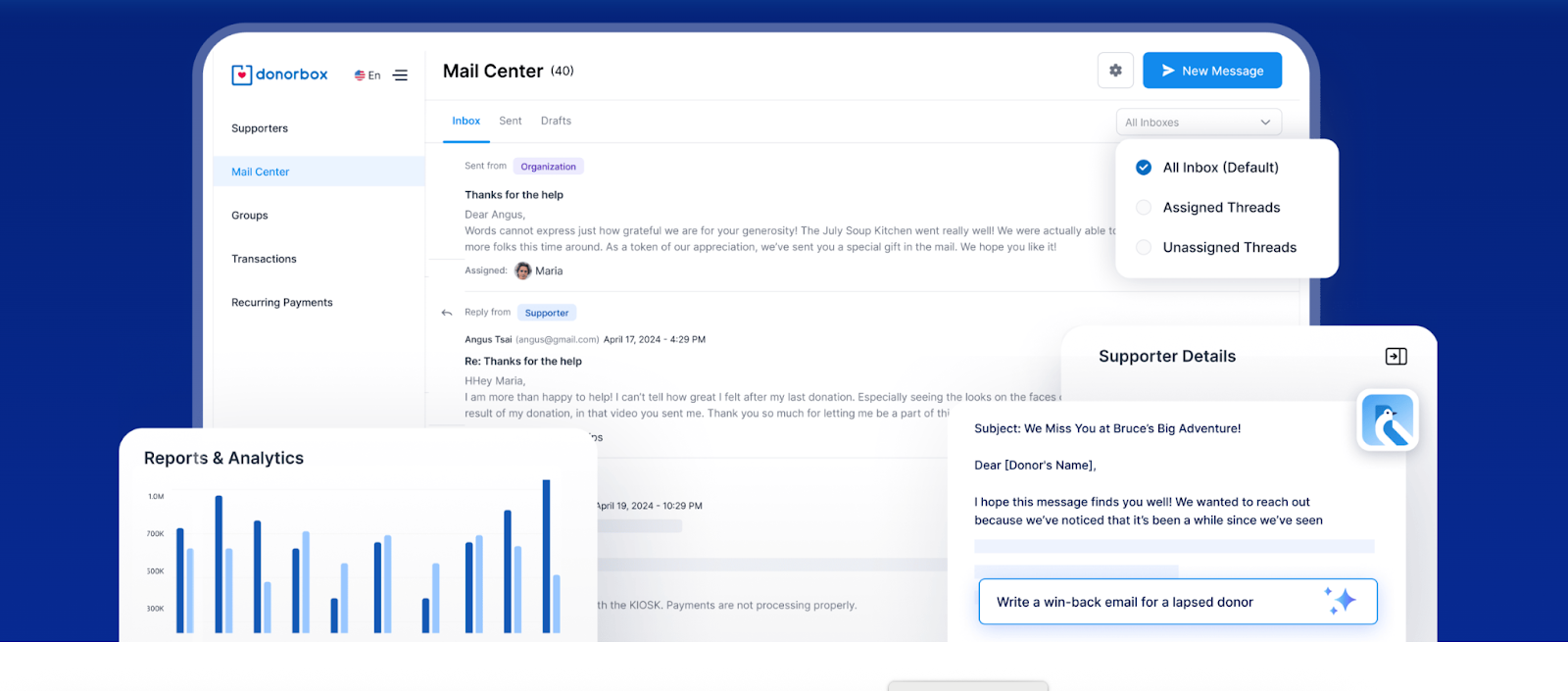
Donorbox is a donor management and online giving platform that supports flexible giving options like text-to-give, kiosk giving, and embedded donation forms.
Key Features:
- Advanced donor filters
- Tracking & analytics
- Supporter tracking
- Integration with major platforms (Stripe, PayPal, Salesforce, Mailchimp)
- Multi-language support
- Segmentation tools
- Supporter timeline
Cons:
- Limited free version
- Only offers basic reporting
- High processing fees and the slower release of funds
Pricing:
- Standard Plan: Free with 2.95% platform fee
- Pro Plan: $150/month with 1.75% platform fee
- Premium: Custom pricing
3. Givebutter
Best for: Organizations in need of free donor management software for small nonprofits
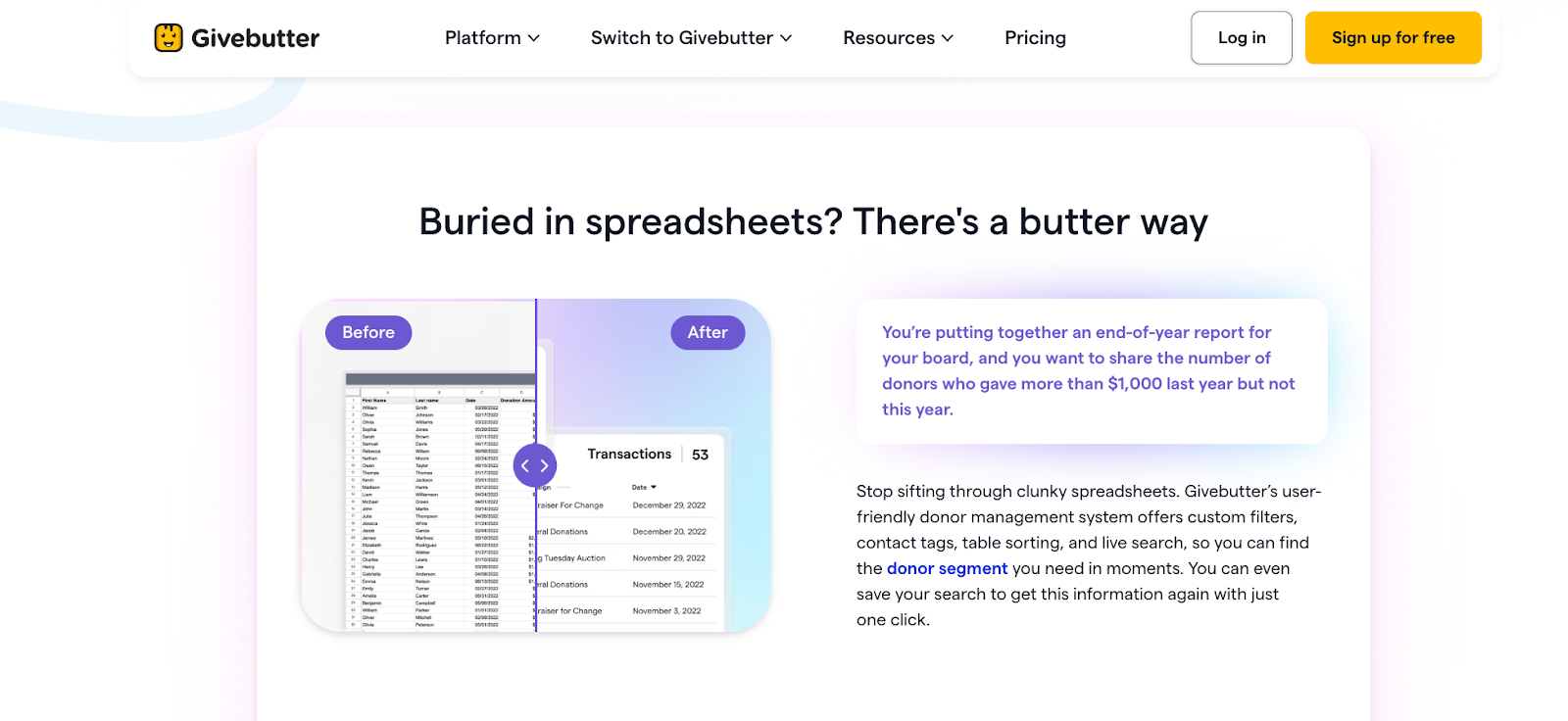
Givebutter is an all-in-one platform that thousands of nonprofits trust to streamline their fundraising, donor engagement, and CRM in one smooth, powerful platform.
Key Features:
- Contact profiles
- Households & company contacts
- Automatic activity tracking
- Custom filters
- Giving summary charts
- Preset & saved segments
- Contact tags
Cons:
- Some users find fees expensive for larger donations
- Givebutter Plus subscription can become costly for small nonprofits
Pricing: Completely free thanks to optional donor tips (with tips enabled, organizations pay $0 in fees). Without tips, there’s a 1% platform fee for donation forms, 3% for fundraising pages, and 5% for events. Plus, nonprofits pay standard processing fees (2.9% + $0.30). Givebutter Plus pricing starts at $29/month.
4. Neon One CRM
Best for: Small to midsize nonprofits managing multiple activities (donors, events, volunteers, memberships) in one system
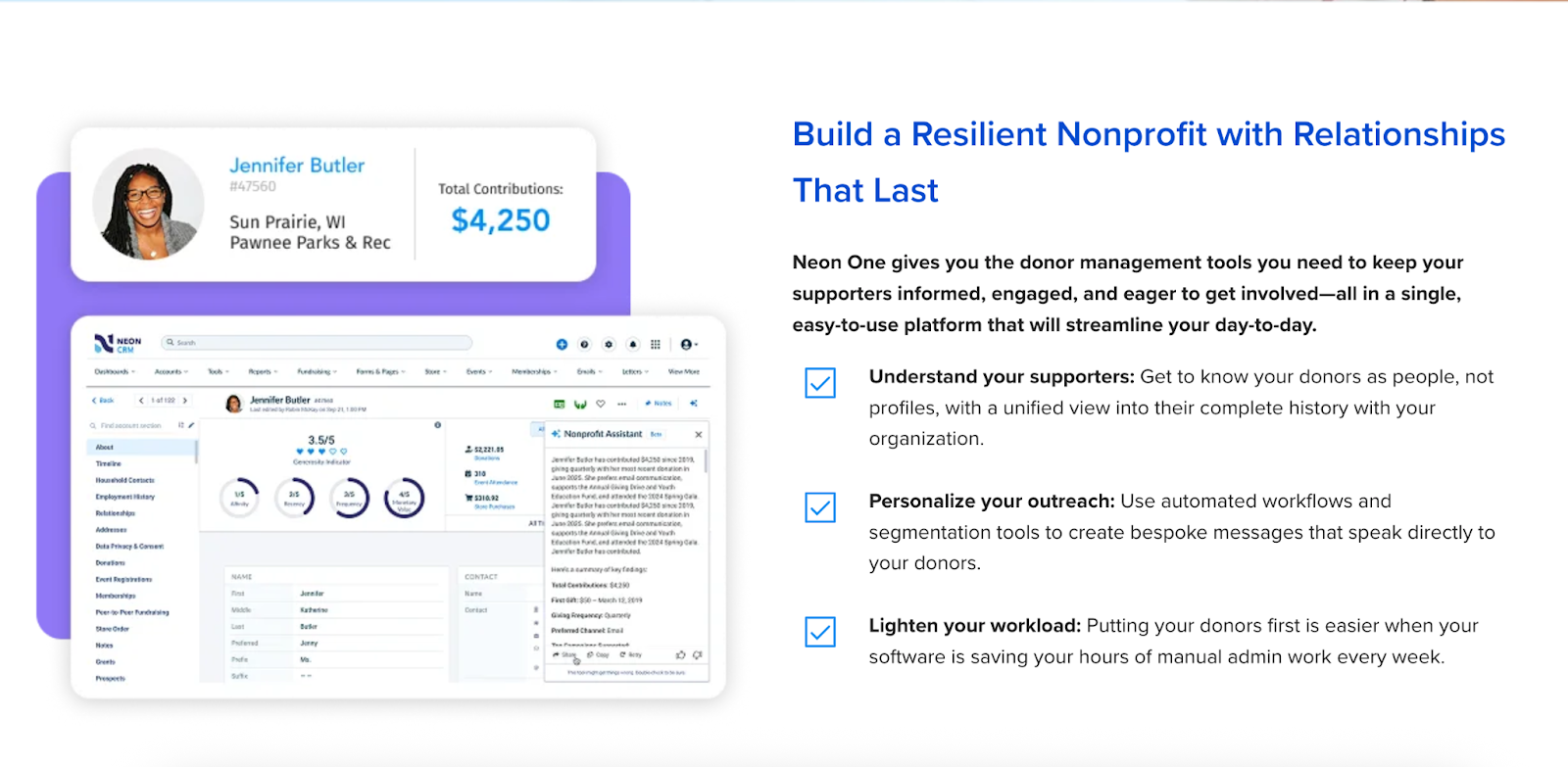
Neon One CRM is a cloud-based platform that combines donor management, fundraising tools, membership management, and email marketing in a unified system.
Key Features:
- Complete donor profiles
- Integrated email marketing
- 50 one-click reports
- Fully customizable dashboards
- Automated workflows
Cons:
- Some advanced features are only available at higher service tiers
- Learning curve for new users
- Slow customer support
Pricing: Starting at $99/month, up to $409/month
5. Bonterra EveryAction
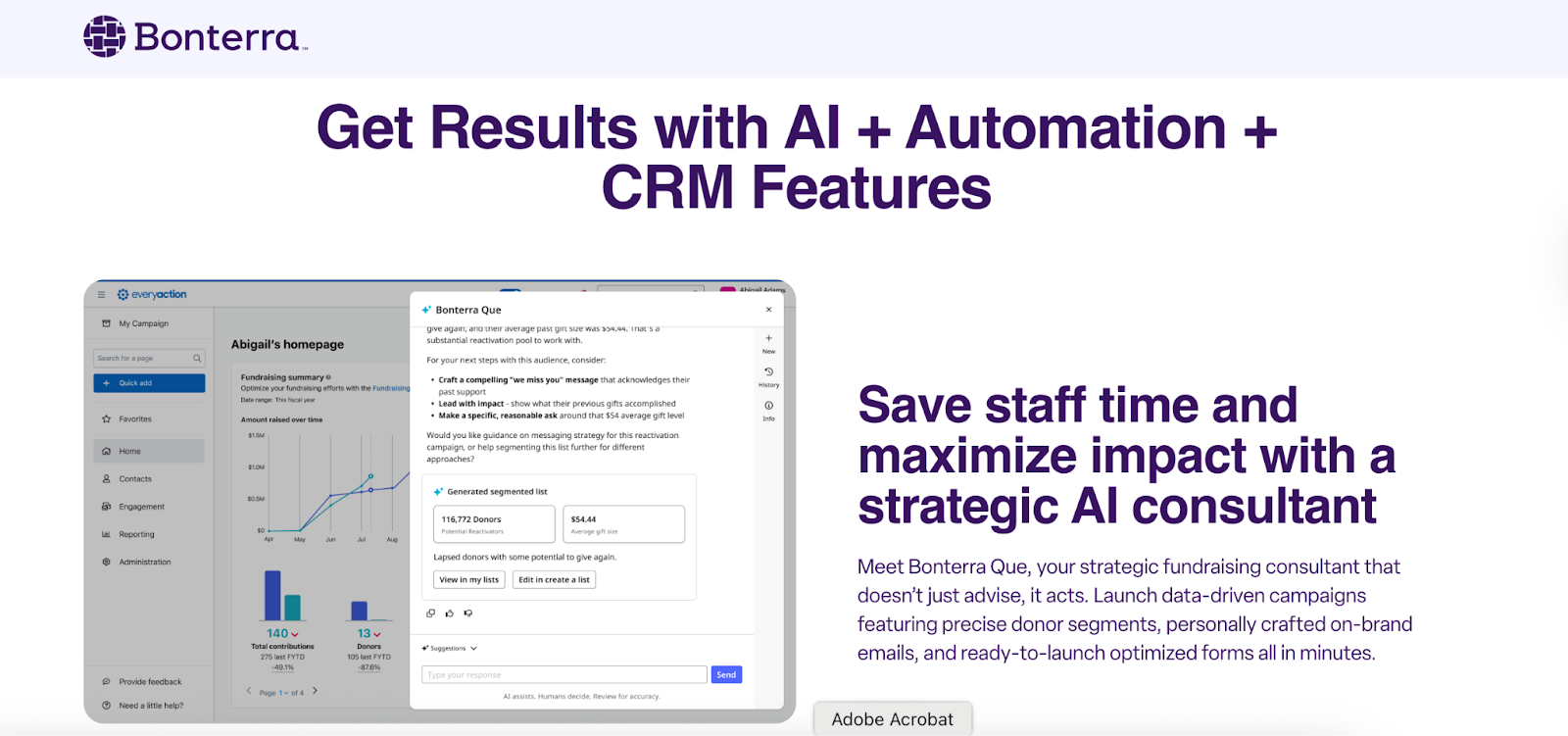
Best for: Midsize to large nonprofits needing integrated fundraising, advocacy, and donor management
Bonterra EveryAction is an all‑in‑one fundraising, advocacy, and constituent‑relationship management (CRM) platform for nonprofits. It offers tools for donor engagement, online forms, multi‑channel communications, automation, and AI‑driven insights.
Key Features:
- Complete supporter profiles for donor, volunteer, and supporters
- Custom fields
- Household/organization grouping
- Moves management workflows.
- Integrations & API access
Cons:
- Steep learning curve
- Costly
- Limited cusomtixzaiton options
Pricing: Contact sales for custom pricing
6. Blackbaud Raiser's Edge NXT
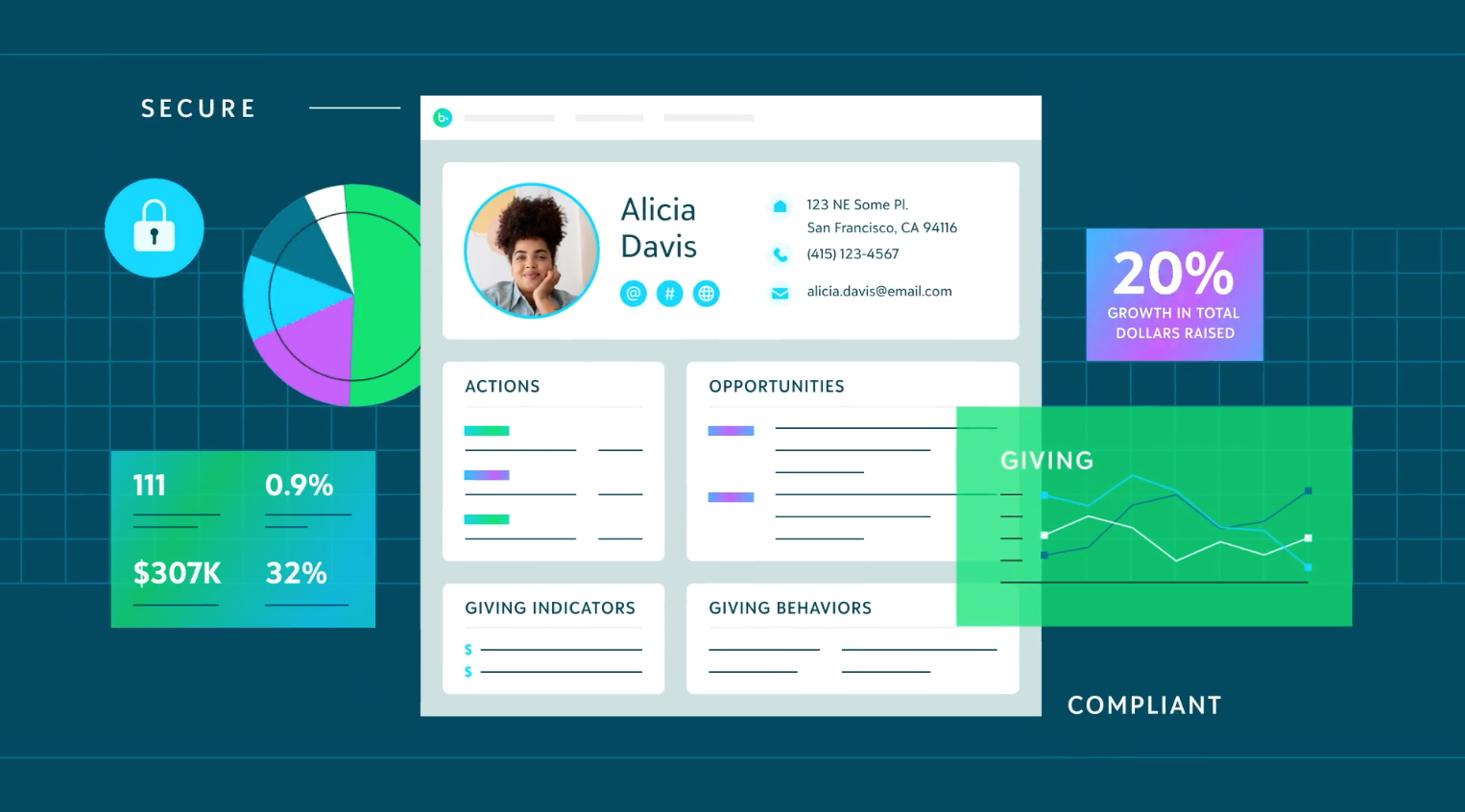
Best for: Large nonprofits and enterprises with dedicated CRM staff and complex needs
Blackbaud Raiser’s Edge NXT is a cloud-based nonprofit CRM. That platform helps organizations manage donors, fundraising, and engagement through a centralized database, advanced analytics, and integrated campaign and gift management tools.
Key Features:
- Automatic data health tools
- Interaction and relationship tracking
- Proposal tracking and pipeline management
- Recurring giving and pledge management
Cons:
- Steep learning curve for complex reporting
- High costs
- Slow customer support
Pricing: Custom
7. DonorPerfect
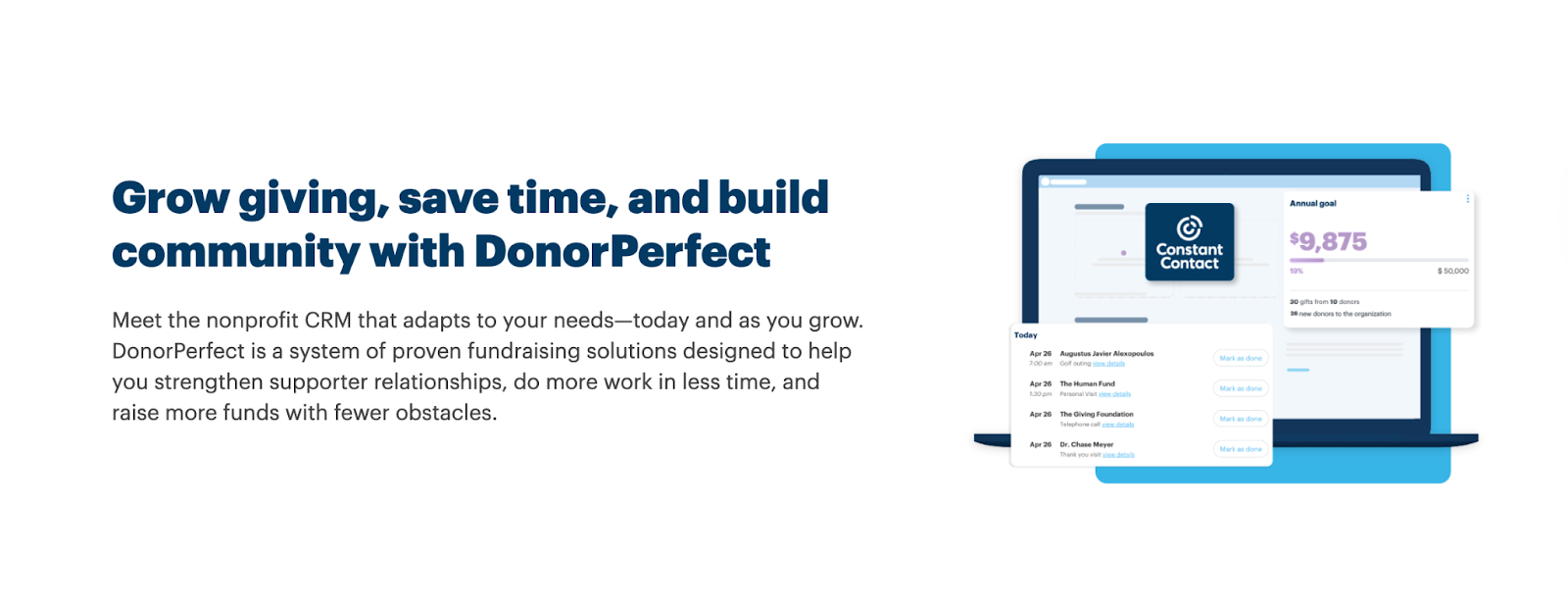
Best for: Nonprofits seeking comprehensive donor management with strong customer support
DonorPerfect is a cloud‑based donor management and fundraising CRM for nonprofits. It consolidates donor and volunteer data, campaign and gift tracking, online giving forms, and reporting all in one platform.
Key Features:
- Complete donor, volunteer, and prospect records
- Automatically updated donor records
- Activity tracking
- Role-based permissions for staff and volunteers
- Duplicate record prevention
- Great customer support
Cons:
- Steep learning curve
- Reporting challenges
- Costly
Pricing: Custom
8. Keela
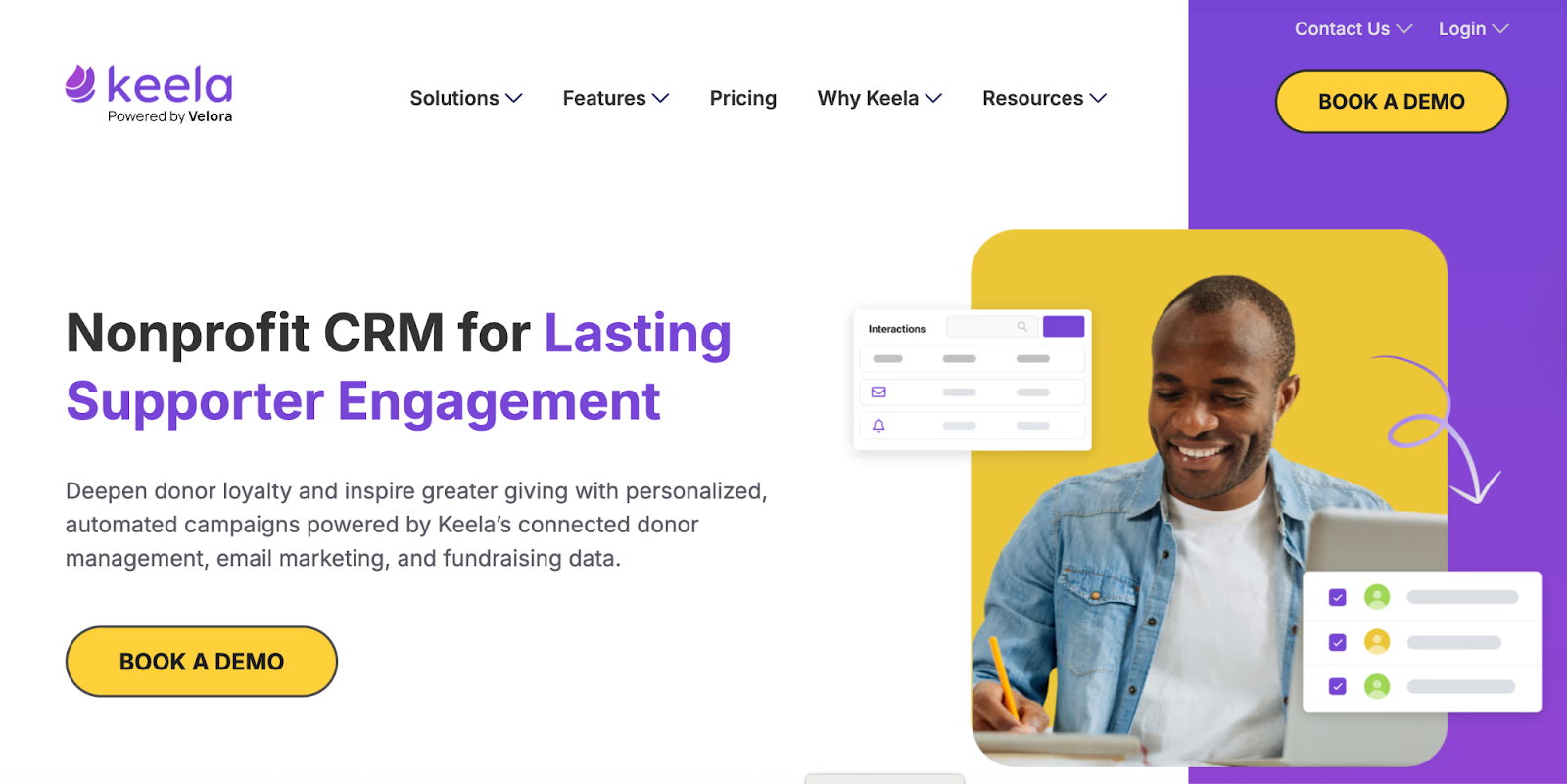
Best for: Small to midsize nonprofits wanting AI-enhanced donor insights at an accessible price point
Keela is a purpose‑built CRM for nonprofits that centralizes donor and supporter data. It also automates key fundraising workflows, and integrates communications and campaign tools—all in one platform
Key Features:
- A dedicated Implementation Specialist to migrate data
- Segements and tags
- Pipeline management
- Comprehensive interaction records
- Integration friendly
Cons:
- Usability issues
- No mobile app is currently available
Pricing: Starting at $134/month for up to 1,000 contacts, with custom pricing for over 10,000 contacts.
9. Little Green Light
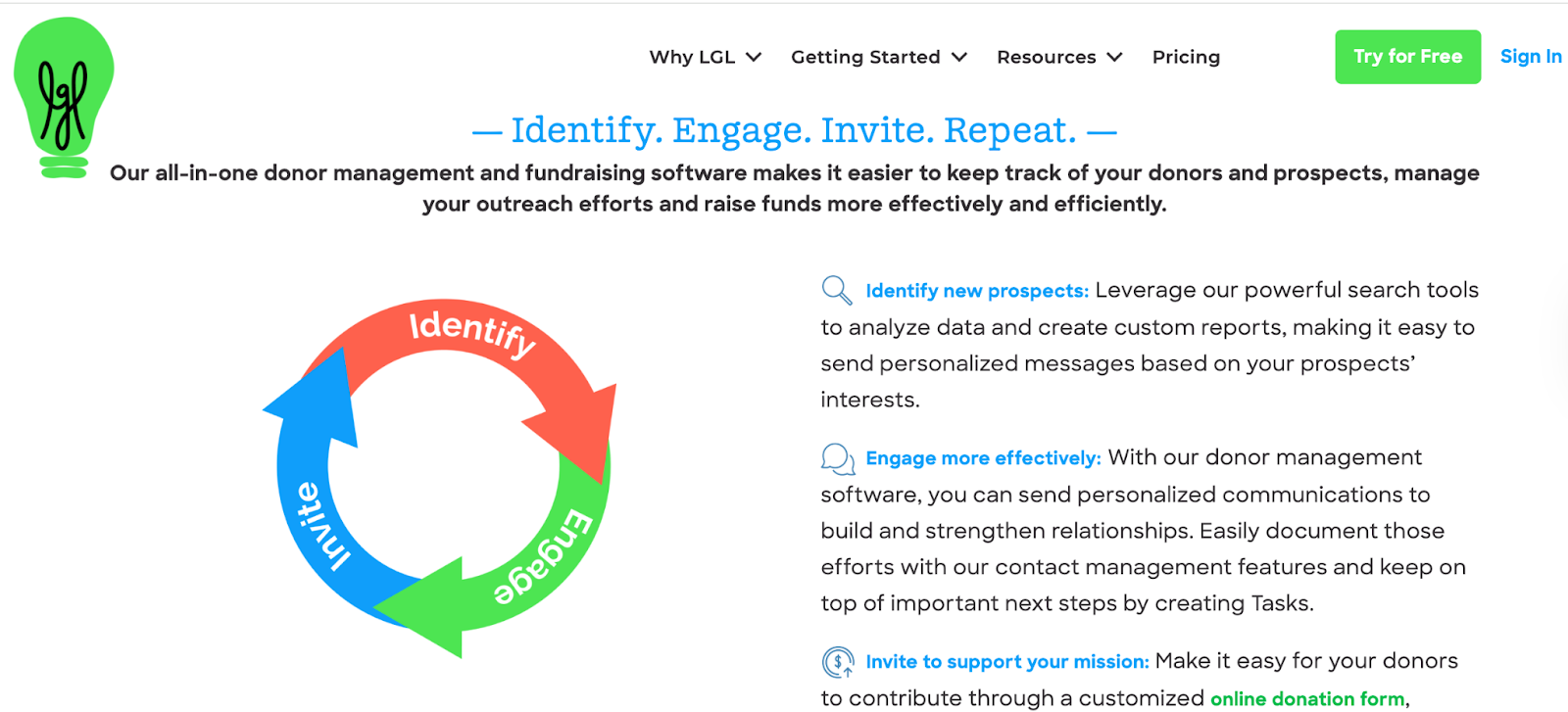
Best for: Small to mid-sized nonprofits wanting an affordable, easy-to-use donor management system
Little Green Light is a donor management system easy to use and intuitive, making it simple to keep track of fundraising, donations, and constituents.
Key Features:
- Comprehensive donor database management
- Integration with Zapier and QuickBooks
- Task management and workflow automation
- Pledge and recurring gift tracking
- Membership management
Cons:
- Limited email features
- Lack of automation
- Lack of customization options
Pricing: Pricing based on constituent records (up to 2,500) starting at $45/month.
10. DonorDock
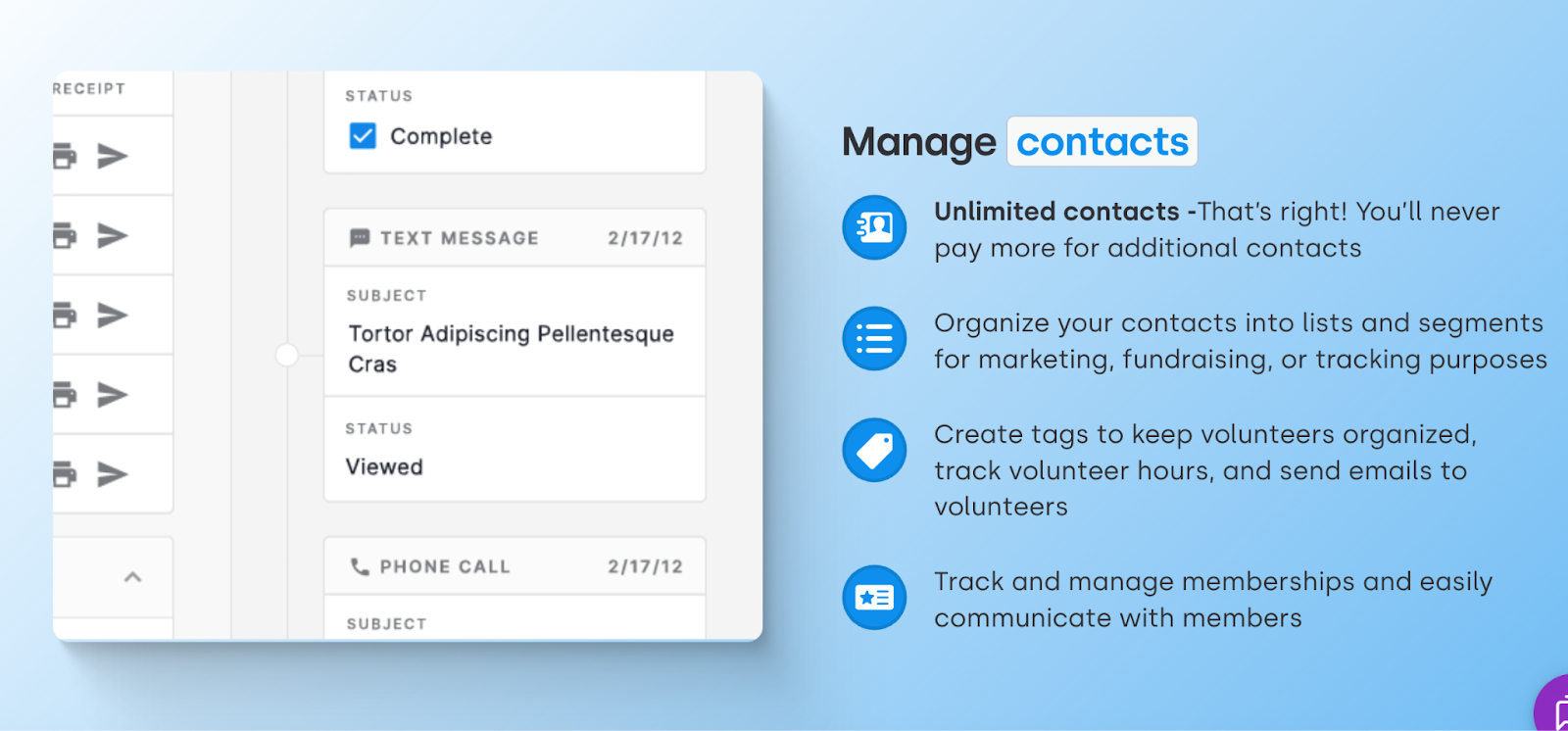
Best for: Small to midsize nonprofits wanting simple, all-in-one donor management with unlimited contacts
DonorDock is a nonprofit CRM built for small to mid‑sized organizations. It consolidates donor management, online giving, outreach, and automation into one intuitive platform.
Key Features:
- Task management
- Smart reminders for important donor milestones
- Complete activity and giving tracking
- Unlimited contacts
Cons:
- Steep learning curve and setup
- Limited customizations for workflows
- Limited additional features
Pricing: Starts at $250/month
11. CharityEngine
Best for: Midsize to large nonprofits needing a comprehensive all-in-one CRM with advanced features
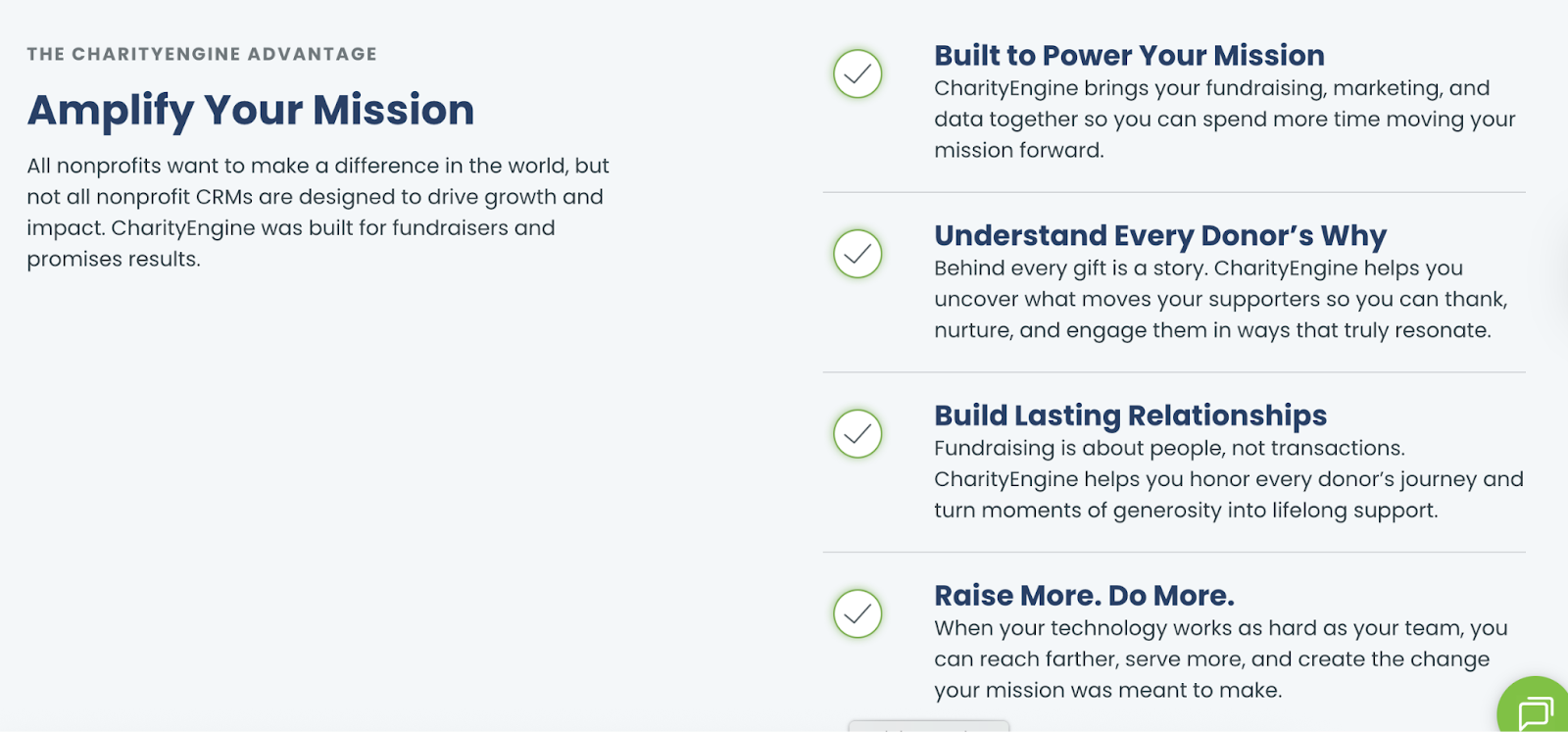
CharityEngine is an all-in-one CRM built for nonprofits. It’s a complete fundraising and donor management platform that allows nonprofits to centralize and leverage their data to enrich donor relationships.
Key Features:
- Pipeline management
- Pledge tracking
- Task management
- Tribute tracking
- AI predictive gift probability
Cons:
- Learning curve
Pricing: Custom quote required
How Do I Choose the Right Donor Management Software?
We know, this donor management software list can be overwhelming. With so many options, it can be hard to know which donor database software is right for you.
Here's a step-by-step guide for finding a platform that fits your needs, budget, and team capabilities—without getting confused by all the options.
Step 1: Assess Your Current Situation and Needs
Begin by documenting your organization's fundraising reality. Understanding these basics helps you identify appropriately-sized solutions and avoid paying for capacity you don't need.
Answer questions like:
- How many active donors do you currently manage?
- How many staff members need system access?
- What's your annual donation volume and average gift size?
- What types of gifts do you process (online, checks, in-kind, recurring, pledges)?
Next, identify your biggest pain points—the challenges that motivated you to search for software in the first place. Perhaps you're losing donors because follow-up falls through the cracks, or staff spends hours generating tax receipts manually.
Whatever your issues are, prioritizing the top 3-5 challenges ensures you focus on solutions that address real problems rather than getting distracted by impressive features you'll rarely use.
Step 2: Define Must-Have vs. Nice-to-Have Features
Create two lists to guide your evaluation. Must-haves are non-negotiable capabilities you can't function without, while nice-to-haves would be helpful but aren't dealbreakers.
Must-have features typically include:
- Comprehensive donor database with profile tracking
- Donation recording for all gift types
- Automated tax receipt generation
- Core reporting (retention, campaigns, trends)
- Data import from your current system
- Integration with your accounting software
Nice-to-have features often include:
- Wealth screening capabilities
- Built-in email marketing tools
- Event management
- Volunteer tracking
- Grant management
- Mobile app access
This clarity helps you quickly eliminate options that lack your essentials, regardless of how polished the sales presentation might be.
Step 3: Establish Your Budget
Determine what you can realistically invest monthly, including subscription costs, implementation fees, and transaction fees for online donations.
Here’s a quick guide:
- If you have $0-50/month: Consider Givebutter (free with optional donor tips) or Little Green Light ($45/month for up to 2,500 contacts). Both offer solid donor management without breaking the bank.
- If you have $100-150/month: Explore Bloomerang ($125/month), Neon CRM ($99/month), or Keela ($134/month for 1,000 contacts). These provide comprehensive features with room to grow.
- If you have $250-500/month: Look at DonorDock ($250/month with unlimited contacts) or higher tiers of Neon CRM and Bloomerang. You'll get advanced automation and premium support.
- If you have custom budget/enterprise needs: Request quotes from Raiser's Edge NXT, Bonterra, DonorPerfect, or CharityEngine. These platforms offer extensive customization for complex organizations.
Step 4: Research and Build Your Shortlist
Use review sites like G2, Capterra, and TechSoup to research donor tracking software that's popular with organizations similar to yours. Pay attention to reviews from nonprofits your size facing similar challenges—what works for a large hospital may be unnecessarily complex for a small community organization.
You’ll also want to look for patterns in feedback. Consistent praise for customer support signals a reliable partner, while repeated complaints about specific issues should raise red flags.
Step 5: Request Demos and Ask Key Questions
Schedule live demonstrations with each vendor, but come prepared. Bring your feature checklist and ask vendors to show you how to perform your most common tasks—entering check batches, generating lapsed donor reports, creating donor segments, or pulling year-end statements.
Here are some critical questions to ask:
Implementation:
- How long does implementation typically take?
- What data migration support do you provide?
- What training resources are available?
Features:
- Can we customize fields for our unique needs?
- How does duplicate detection work?
- Can we build custom reports easily?
- Walk us through recurring donations and pledge management.
Integration:
- Which accounting software integrates natively?
- What email platforms connect seamlessly?
- Do you have an API for custom integrations?
- How well does it work on mobile?
Pricing:
- Are there transaction fees for online donations?
- What happens if we exceed capacity?
- What's your contract length and cancellation policy?
Support:
- What support channels are included?
- What are your support hours and response times?
- What's your uptime guarantee?
- How often do you release updates?
Step 7: Check References
Ask for 2-3 references from similar organizations and call them with candid questions:
- What do you love most about the platform?
- What frustrates you regularly?
- How responsive is customer support?
- Would you choose this system again?
- What surprised you after implementation?
These conversations often reveal insights vendors won't volunteer, from hidden limitations to unexpected benefits.
Step 8: Make Your Decision and Plan Implementation
Create a simple comparison framework listing your must-haves, nice-to-haves, pricing after discounts, ease of use, and support quality. Rate each platform to evaluate objectively and help you articulate your choice to stakeholders.
Don't choose based solely on price—the cheapest option lacking critical features will cost more in frustration and eventual switching than investing in the right platform from the start.
Once you've decided, create a realistic implementation timeline—typically 4-8 weeks:
- Weeks 1-2: System setup and configuration
- Weeks 3-4: Data migration and cleanup
- Weeks 5-6: Staff training
- Weeks 7-8: Testing and go-live
Assign a project manager to coordinate with your vendor, communicate progress to your team, and troubleshoot issues during the transition.
Finding the Right Donor Management Software for You
Choosing the right donor management software is one of the most strategic decisions your nonprofit will make. The platform you select becomes the foundation of your fundraising operations—shaping how you build relationships, track giving, communicate with supporters, and measure success for years to come.
Donor Management Software FAQs
How much does donor management software cost?
Donor management software costs between $39-$500+ per month:
- Small nonprofits (under 1,000 donors): $39-$99/month
- Midsize nonprofits (1,000-10,000 donors): $100-$300/month
- Large nonprofits (10,000+ donors): $500+/month
- Free options: Givebutter (with optional donor tips)
Do small nonprofits need donor management software?
Yes, small nonprofits with more than 100 active donors typically benefit from donor management software. Below that threshold, spreadsheets may suffice, but dedicated software saves time, improves donor retention, and provides better reporting as you grow.
In fact, according to a Nonprofit Tech for Good Report, most nonprofits (around 67%) use donor management software.
What’s the difference between donor management software vs. CRM?
Donor management software is built specifically for nonprofits with features like automated tax receipts, donation tracking, and fundraising reports included. CRMs, on the other hand, are designed for business sales teams and require expensive customization to handle nonprofit needs.
What’s the difference between donor management software and fundraising software?
Donor management software stores and manages donor information, tracks giving history, and handles relationship data. Fundraising software processes donations and runs campaigns.
However, according to research, 54% of nonprofits use an all-in-one system that combines CRM functionality and online fundraising.
Can I use free donor management software?
Yes, you can use free donor management software. However, free versions typically lack integrated payment processing, automation, and advanced reporting.
What features should I look for in donor management software?
Essential features include donor database management, donation tracking, filters and segments, reporting and analytics, and recurring gift management.
How long does it take to implement donor management software?
Implementation typically takes 2-8 weeks, depending on data migration complexity and system size. Plan for 1-2 weeks of setup, 1-2 weeks of data migration, and 1-4 weeks of staff training and testing.
Is donor management software cloud-based?
Most modern donor management software is cloud-based (SaaS), meaning you access it through a web browser with no local installation. Some legacy systems still offer on-premise installation, but cloud-based donor management software solutions are more common and easier to maintain.
Can donor management software integrate with my accounting software?
Yes, most donor management platforms integrate with popular accounting software like QuickBooks, Xero, and Sage. This eliminates double-entry and ensures your financial records stay synchronized.
What is the best donor management software?
The "best" software depends on your organization's size and needs. Popular options include Bloomerang (best for small-to-mid-sized), DonorPerfect (best all-around), and Givebutter (best for budget-conscious nonprofits).
What is the best donor management software for small nonprofits?
Givebutter is a great choice for small nonprofits. It's an affordable but robust option that offers CRM and fundraising functionality.